Podkstr vs Zencastr
Zencastr records well. The question is what happens at the edit.
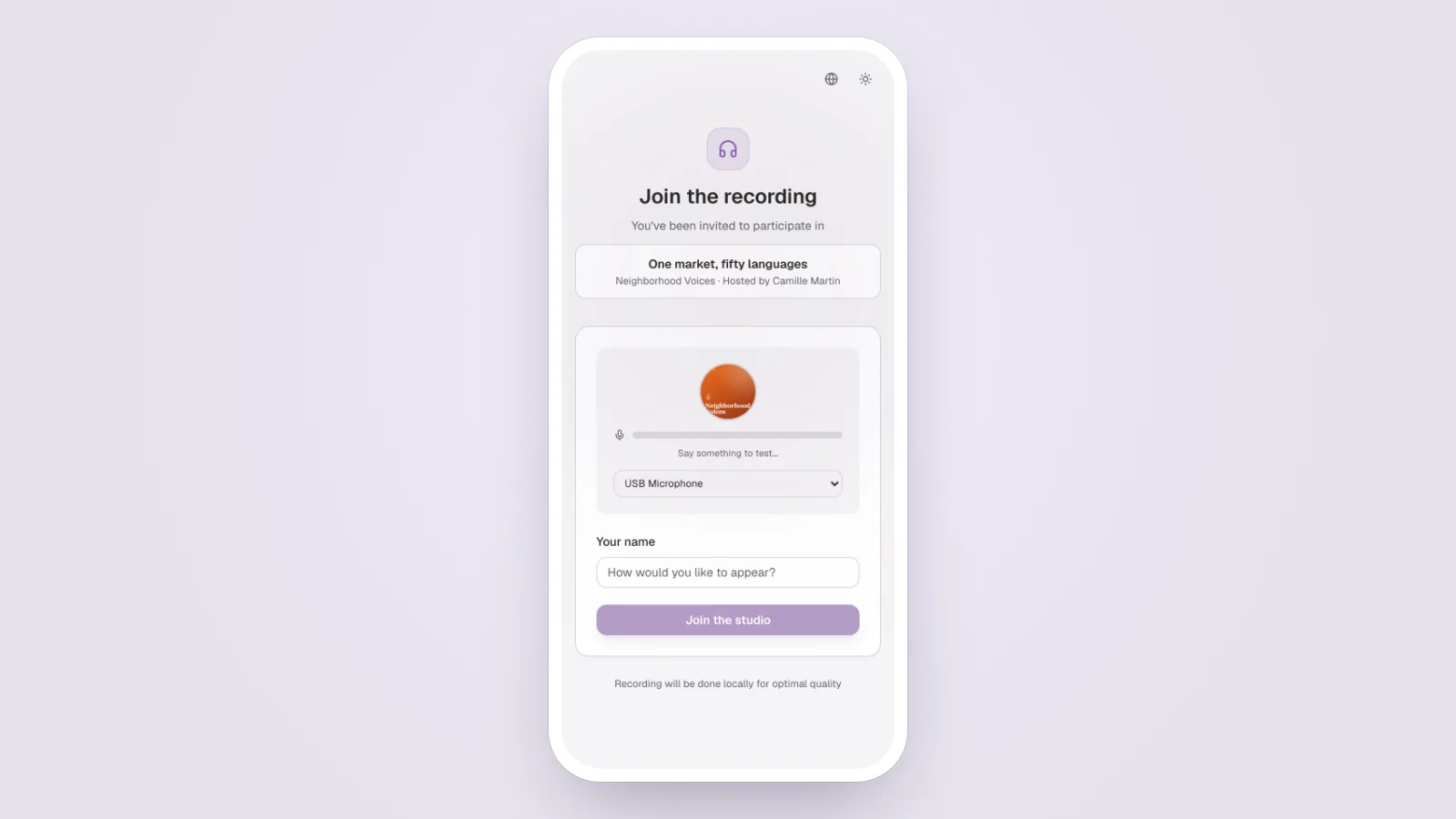
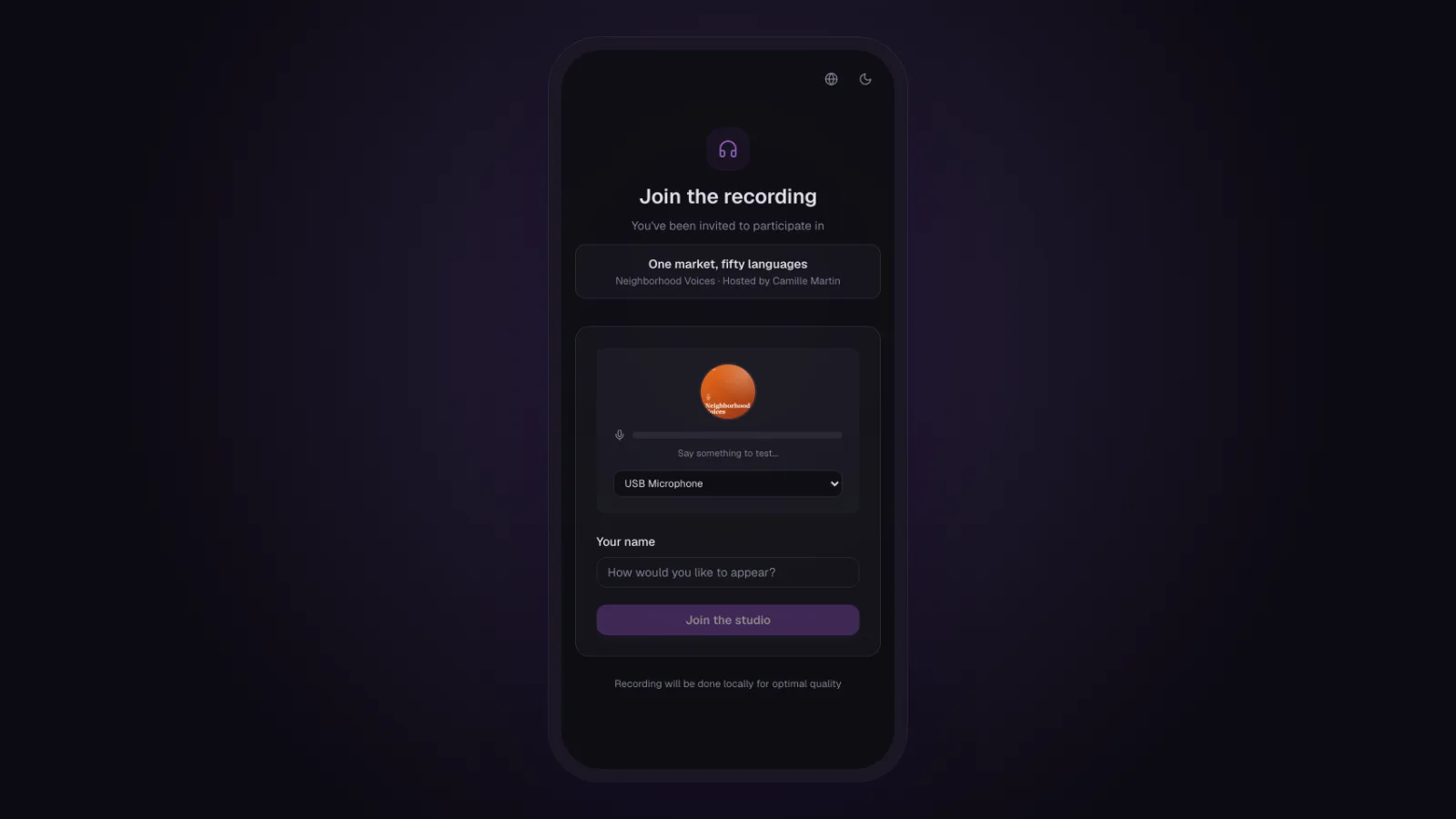
Record, and then?
Zencastr's recording strengths are listed in the table below, with the date they were checked.
Zencastr is a good recording tool. The question is what happens next.
The edit
The edit is where the two tools part ways. The table below sets their features side by side.
Podkstr keeps everything in one place without losing depth: eleven effects per track, visual editors, a master bus, and a preview that sounds exactly like the export.
Price
The Zencastr plans are listed in the table below, as displayed on the date they were checked.
Who each is for
Zencastr for anyone who mainly needs a remote recording studio and edits elsewhere.
Podkstr for recording and editing in the same tool, without losing quality.
Feature comparison
| Feature | Podkstr | Zencastr |
|---|---|---|
| Remote recording | Included | Strength |
| In-browser local capture | Included | Strength |
| Raw capture, no forced processing | Strength | Not offered |
| Multitrack editor | Strength | Partial |
| Per-track effects | Strength | Not offered |
| Visual DSP controls | Strength | Not offered |
| AI audio cleanup | Included | Included |
| Transcription | Included | Included |
| Measured LUFS mastering | Strength | Partial |
| Public live listening | Included | Not offered |
| RSS hosting | Included | Included |
| Multilingual interface | Strength | Partial |
StrengthIncludedPartialNot offered
Plans, side by side
Podkstr
- Free0 €
- Creator14 €
- Pro29 €
- Studio49 €
Zencastr
- Vibecastr0 $
- Producer(price not displayed publicly)
- Enterprise(on quote; prices not displayed)
Prices checked on 2026-10-31 against their own pricing page
What Zencastr does better
- A separate recording per participant, with no duration limit on the free tier
- Automatic transcription and chapters
- Hosting and distribution included