Live studio
Every participant is recorded twice: one copy through the server, a second on their own machine. Access by link, with no account and nothing to install.
Double recording
Most tools deliver what the server received. Every lost packet, every reconnection, every bandwidth dip on a participant's side is baked into the file and cannot be removed at the edit.
The studio records twice. One copy goes through the server, as elsewhere. A second is written on the participant's machine, out of reach of the network. That second copy is the source, and it sets the quality of the episode.
Stable capture
The local file does not wait for the end of the session. It is sent during the recording, in slices of a few seconds, and the server confirms each slice it receives.
A network drop pauses the upload without sending it again from the start. A closed tab or a switched-off machine does not destroy what has already arrived.
When the recording stops, the server assembles what it holds without waiting on the participants' computers. A guest who left without closing properly blocks nothing. The server copy stays available until the local version has been checked complete.
Recording format
Recording uses Opus, an open standard codec designed for voice.
Opus holds the hard parts of speech: silences, breaths, consonant attacks, where older formats leave artefacts. The local copy is encoded at 256 kbps, twice the 128 kbps of the real-time link. The limit of an episode remains the microphone and the acoustics of the room.
It is also what makes stable capture possible. An uncompressed format would not travel up in time to be safe before the session ends.
Editing then runs at full precision, in the multitrack editor. The export comes out as a 320 kbps MP3, the highest bitrate of the format.
Raw signal
Browsers apply automatic gain correction and noise suppression by default, built for video calls. Once recorded, these treatments cannot be undone, and they can be heard: the voice pumps between sentences, the low end goes flat.
The studio turns them off. The file holds what the microphone picked up.
Soundboard
Imported files become pads that can be triggered during the recording, and they go into the mix every participant hears.
Each sound is measured on import and its level matched to the others. Each pad's gain stays adjustable on a slider during the session. The output is stereo: a theme tune keeps its image, and a music bed under an intro works as a break between two segments. The number of pads depends on the plan.
Green room and chat
Participants arrive in a green room before the start. Each one checks their level on the meter and turns on a noise filter if needed. The conversation is already open, and the host sees who has marked themselves ready.
During the recording, an internal chat stays available for cues and timing. It does not appear in the file.
Episode notes
The episode rundown is available to the host during the recording, in a panel next to the participants: prepared questions, order of segments, points not to forget.
It is the document from the episode page. It is written beforehand and comes back at the edit.
Guest access
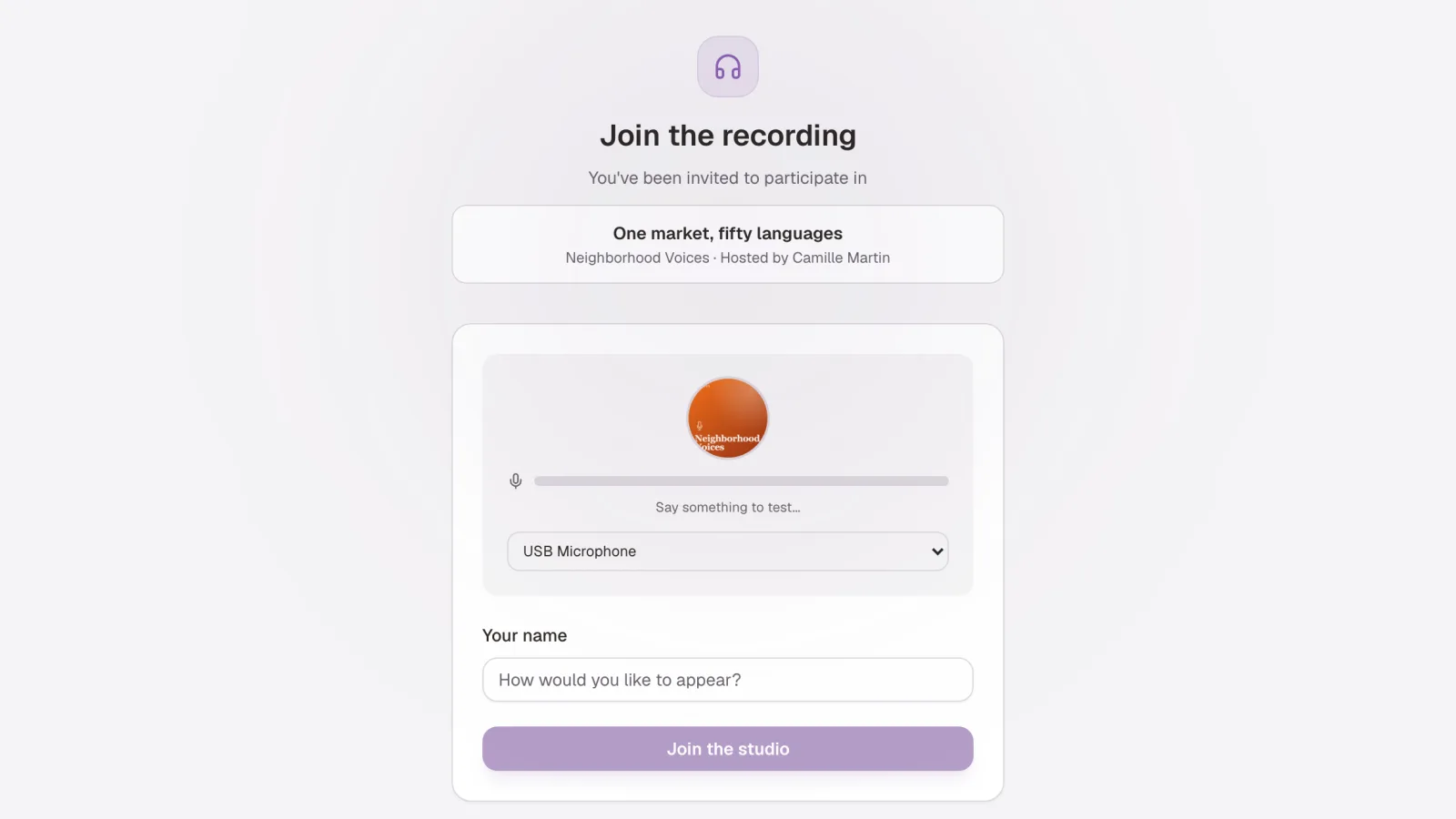
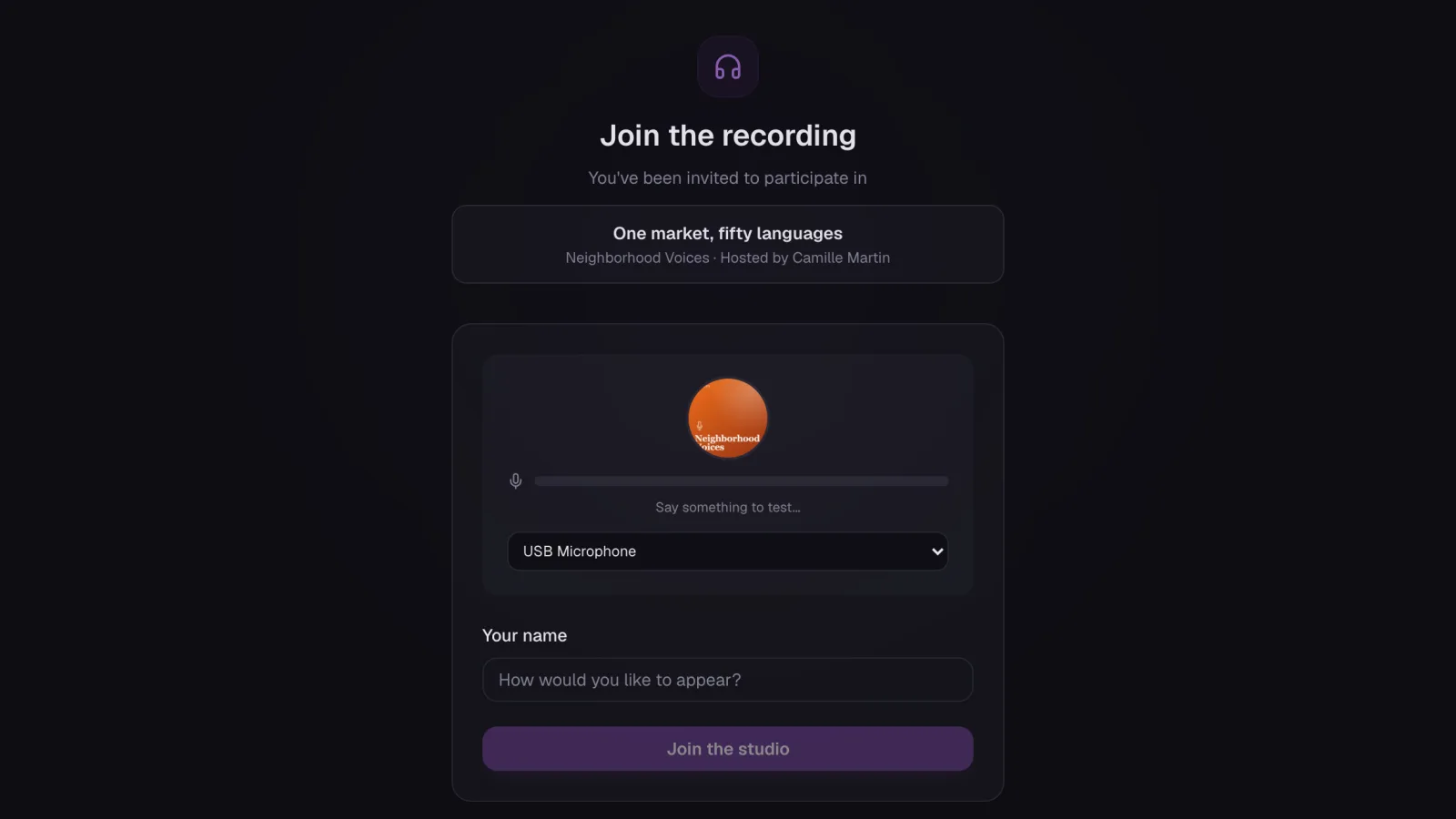
A link is enough. The guest clicks, allows the microphone and joins the green room. No account to create, no application to install. Chrome, Safari, Firefox and Edge, on desktop and on phone.
Public broadcast
The session can be opened to listeners: a listening page, with no account, and a chat the studio can answer, with no third-party platform. The chat can be turned on and off during the session. Useful for a Q&A session or to test a format before publishing.
Listener on air
A listener of the broadcast can receive the invite link and join the show in progress, on their own track like the other speakers. At the edit, the contribution can be kept, cut or lowered without touching the hosts' voices.
Still missing
On Safari, the local copy is not always possible: the session then relies on the server copy. The host studio needs a computer, the phone is for guests. The number of participants and the length of a session depend on the plan.
The same session, by use case: remote interview. What comes next for the episode: AI post-production and hosting.