Features
Remote recording, multitrack editing, AI post-production and the RSS feed, brought together in the browser on the same episode.
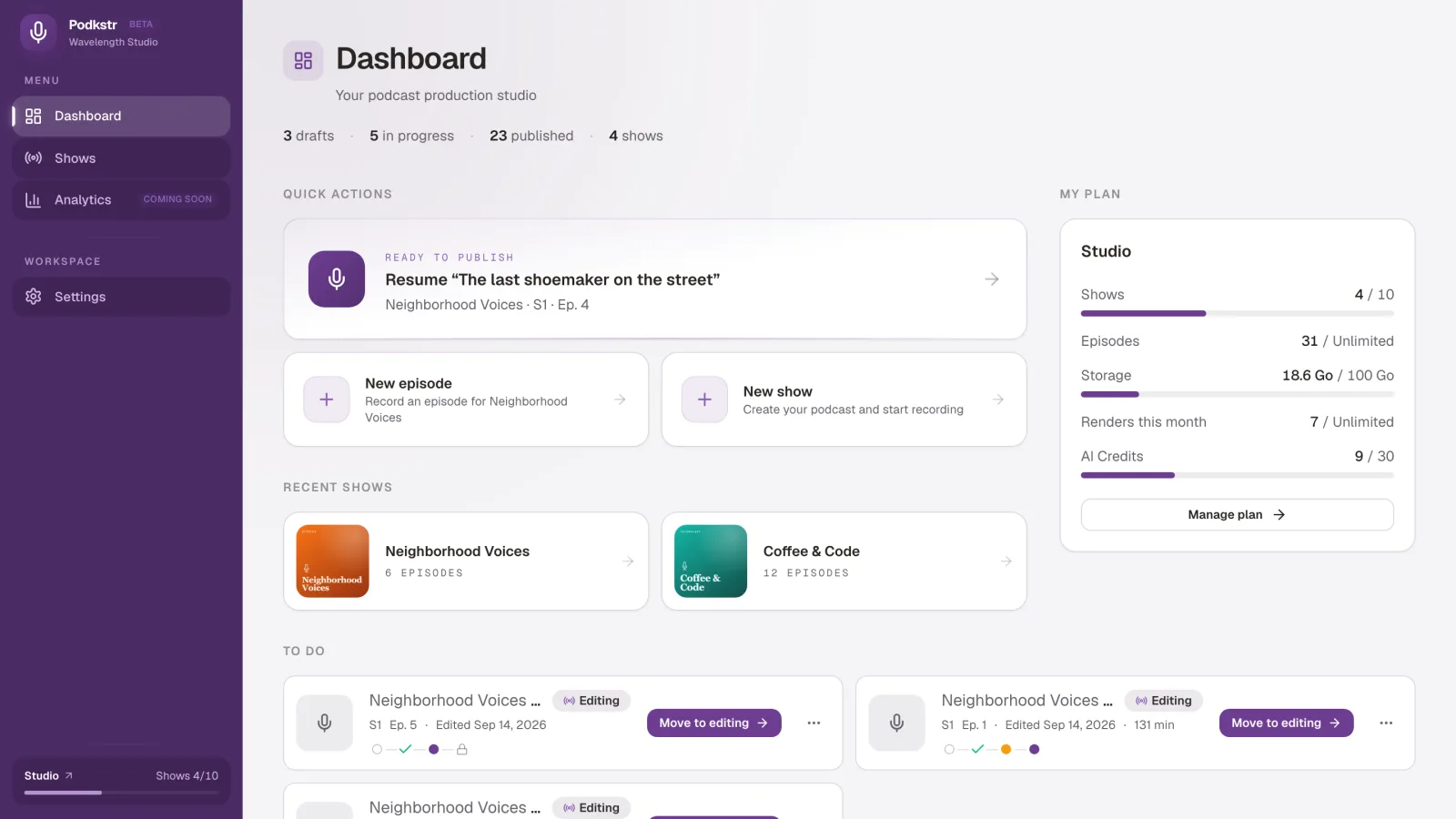
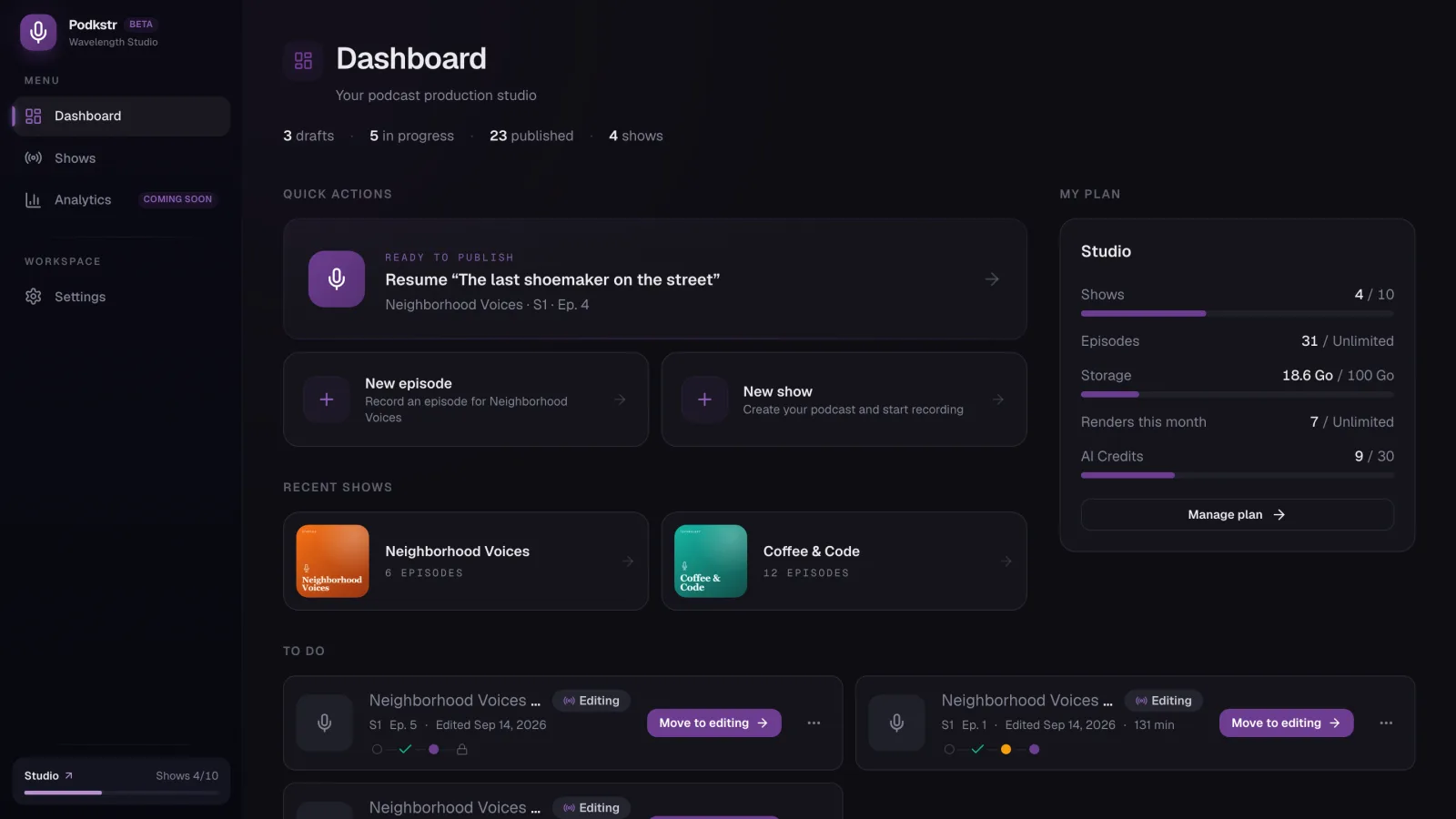
- Live studioRemote podcast recording in the browser: one track per speaker, a local copy on each participant's machine, guests with no account or install.
- Multitrack editorMultitrack podcast editor in the browser: eleven effects per track with visual editors, and a server render that matches the preview.
- AI & transcriptionTranscript, chapters and episode notes from the rendered file, plus room echo removal and separation of voices by speaker.
- RSS hostingPodcast hosting and RSS feed with chapters and transcript, immediate or scheduled publishing, audio files stored in Europe.
One studio
A show usually goes through several tools: a remote recording service, an editing application, a transcription service, then a host. Each hand-off means an export, an import and a check, and each subscription is billed separately.
Podkstr brings these steps together in the browser. Recording, editing, post-production and the RSS feed work on the same episode, with no file to move from one application to the next.
Remote recording
The live studio gives each speaker their own track. Every participant is recorded twice: one copy goes through the server, a second is written on the participant's own machine, out of reach of network drops. A guest joins the session from a link, with no account and nothing to install.
The studio turns off the automatic gain correction and noise suppression that browsers apply by default. The local copy keeps the raw microphone signal. The copy sent through the server goes through noise reduction, on by default and switched off in one click, and the rest of the processing is decided at the edit.
Multitrack editing
The editor opens the session already split into tracks. Each track takes its own effect chain, drawn from eleven: filter, EQ, noise gate, compressor, gain, echo, reverb, limiter, soft clipper, de-esser and stereo width. Each one has its visual editor, and the master bus takes the same set.
The final render runs on the server, with the same chain as the preview, and the file comes out at -16 LUFS, the level Apple Podcasts recommends.
Assisted post-production
AI post-production produces the transcript, the chapters and the episode notes from the rendered file. In the editor, two treatments also apply to a single source: removing the echo of a room, and splitting a recording by speaker. Each treatment keeps the original.
Hosting and feed
Hosting publishes an RSS feed read by Apple Podcasts, Spotify, Deezer, Amazon Music and the other listening apps, with chapters and transcript for the apps that display them. An episode goes out at once or on a set date. Audio files are stored in Europe.
Seven languages
The application is available in French, English, Spanish, Brazilian Portuguese, Traditional Chinese, Japanese and Korean. A show's language is chosen from the same list, and transcription runs in the language selected or in the one the analysis detects.
Still missing
Listening statistics are not available yet. The host studio and the editor need a computer: on a phone, only guests can join a session.
The same features, by use case: remote interview, solo creator, media team, internal podcast.